How to Find and Fix Errors in Your CIBIL Report
 CA Anurag Tripathi••3 min read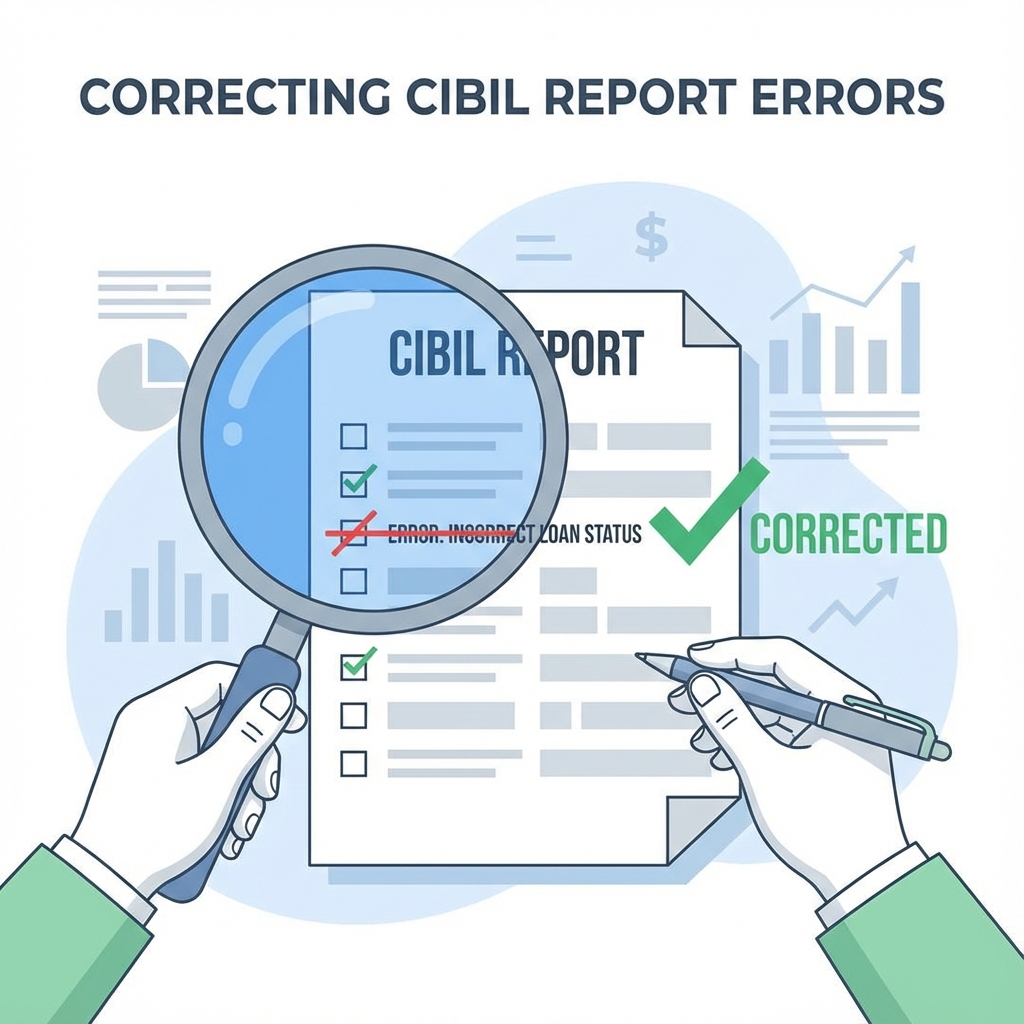
A single error on your CIBIL report—like a wrong name, an incorrect overdue payment, or a loan you never took—can drag your credit score down by 50-100 points.
The good news? You can fix it. The process is free, online, and your right as a consumer. This guide walks you through finding and fixing these score-killing mistakes.
Common CIBIL Report Errors to Watch For
Before you dispute, you need to know what to look for. Check your latest CIBIL report for these red flags:
- Identity Errors: Wrong name, address, PAN, or date of birth.
- Incorrect Account Details: A loan you closed is still showing as "Active" or with a balance.
- DPD (Days Past Due) Errors: You paid on time, but the bank reported it as late.
- Ownership Mismatches: A loan that belongs to a stranger or a family member is showing on your report.
- Duplicate Accounts: The same loan or credit card is listed twice.
Step-by-Step Guide to Fix CIBIL Errors
Step 1: Identify the Error Clearly
Download your full credit report. Circle or highlight the exact account or personal detail that is wrong. Note the "Control Number" (CN) of your credit report—you will need this to file a dispute.
Step 2: Raise a Dispute with CIBIL (Online)
This is the fastest method.
- Log in to your account on the CIBIL website.
- Go to the Credit Report section and click on "Raise a Dispute".
- Select the specific section (e.g., Personal Information, Contact Information, or Employment Information) or the specific Loan Account that has the error.
- Select the reason for the dispute (e.g., "Account settled," "Not my account").
- Submit the dispute.
Note: You can dispute multiple items in a single request.
Step 3: Contact the Lender (Bank/NBFC)
CIBIL cannot change data on its own; it must be verified by the bank. To speed things up:
- Write an email to the Nodal Officer of the bank that reported the error.
- Attach proof (Payment receipts, No Objection Certificate (NOC), or closure letter).
- Tell them you have already raised a dispute with CIBIL and provide the Dispute ID if available.
Step 4: Wait for Resolution (Approx. 30 Days)
Under the Credit Information Companies (Regulation) Act, lenders and bureaus are required to resolve disputes within 30 days.
- The bank will verify your claim against their records.
- If accepted, they will send updated data to CIBIL.
- CIBIL will update your report and notify you via email.
What If It Doesn't Work?
If the bank rejects your valid dispute or doesn't respond:
- Escalate to the Banking Ombudsman (RBI).
- File a complaint on the RBI CMS portal.
Summary
Don't let a clerical error ruin your financial future. detailed check of your report every 3-6 months is the best defense against reporting errors.
Need professional help with credit report error correction? We can handle the disputes for you.
Frequently Asked Questions (FAQ)
How long does it take to fix a CIBIL error?
It typically takes 30 days for CIBIL and the bank to resolve a dispute after you file it.
Can I dispute CIBIL errors online?
Yes, you can raise a dispute directly on the CIBIL website for free.
Does disputing an error lower my score?
No, raising a dispute has no negative impact on your credit score.
Need help fixing your CIBIL?
Don't struggle with errors alone. I can help you dispute incorrect entries and boost your score.
Chat on WhatsApp